左下角上滑一直開 Google Assistant,拆到最後發現 SystemUI 根本管不動這個手勢
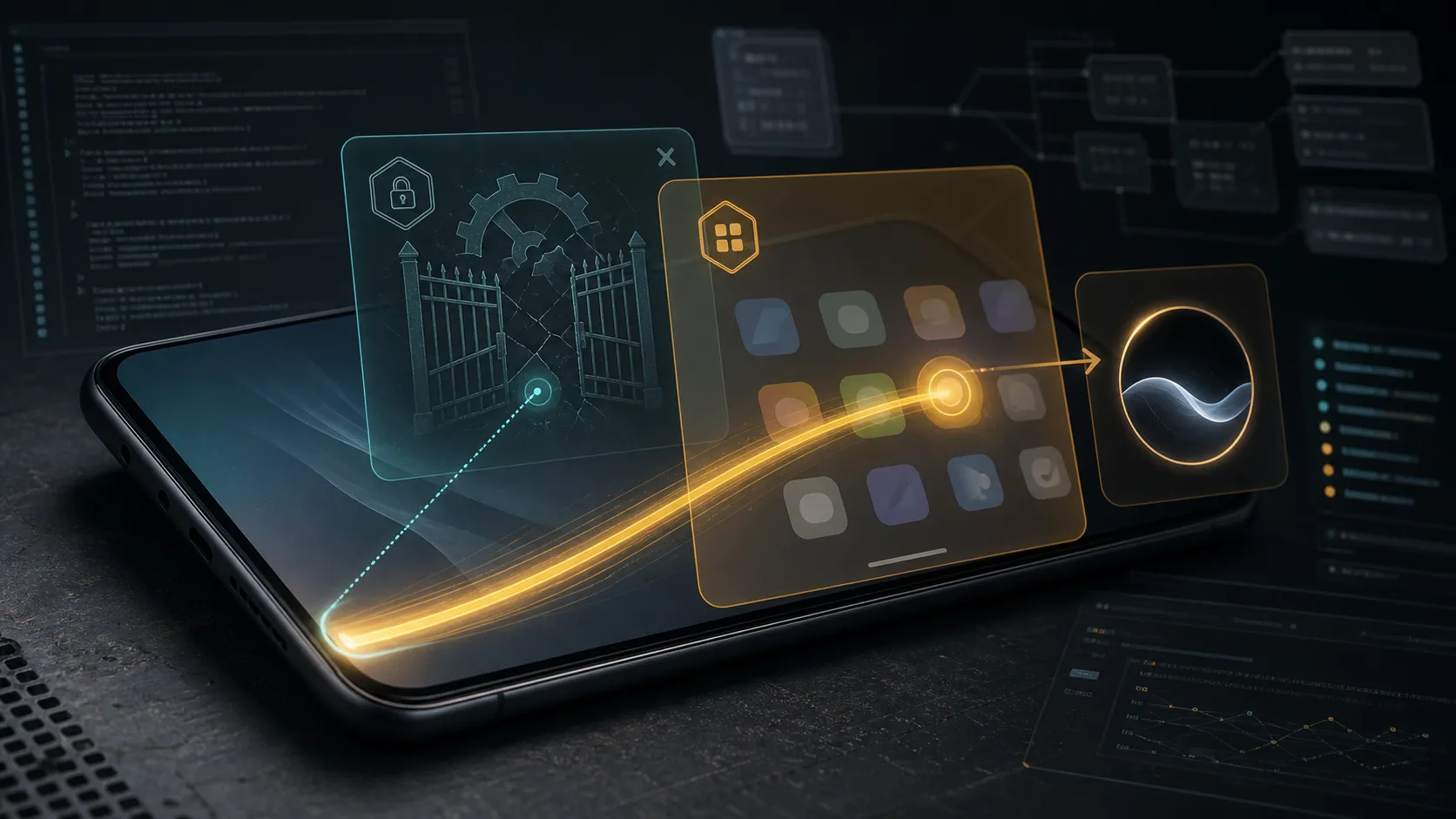
裝置是 Xiaomi 25102PCBEG,myron_tw_global,HyperOS V816,Android 16。
問題很簡單也很煩:從左下角往上滑,會開 Google Assistant。那個 FloatyActivity 視窗每次都跳出來,玩遊戲或橫向操作的時候特別容易誤觸。
我以為關掉很簡單。
畢竟 AOSP 本來就有 assistant_touch_gesture_enabled 這個 secure setting,寫個 0 就該沒事了。
結果不是。
第一個坑:key 名字寫錯了
網路上流傳的解法大多長這樣:
settings put --user 0 secure assistant_touch_gesture_enabled 0
我寫了。
沒用。
後來把 MiuiSystemUI.apk 從 /system_ext/priv-app/MiuiSystemUI/ 拉出來反編譯,才看到 SystemUI 真正讀的 key 是:
secure assist_touch_gesture_enabled
不是 assistant_touch_gesture_enabled。少一個 ant,整個 key 就不對。
NavBarHelper.java:402 寫得很清楚:
this.mAssistantTouchGestureEnabled =
    Settings.Secure.getIntForUser(
        this.mContentResolver,
        "assist_touch_gesture_enabled",
        this.mContext.getResources().getBoolean(
            R.bool.config_assistTouchGestureEnabledDefault) ? 1 : 0,
        ((UserTrackerImpl) this.mUserTracker).getUserId()
    ) != 0;
而且這個值有 live observer,寫進去就生效,不用重啟 SystemUI:
this.mContentResolver.registerContentObserver(
    Settings.Secure.getUriFor("assist_touch_gesture_enabled"),
    false, this.mAssistContentObserver, -1);
所以我寫了正確的 key:
settings put --user 0 secure assist_touch_gesture_enabled 0
dump 出來確認:
NavbarTaskbarFriendster
  longPressHomeEnabled=true
  mAssistantTouchGestureEnabled=false
  mAssistantAvailable=false
  mNavBarMode=2
SystemUI 這邊確實關掉了。
然後我從左下角上滑一次。
Google Assistant 還是開了。
第二個坑:SystemUI 關了也沒用
這時候我開始覺得不對勁。
SystemUI 已經回 mAssistantAvailable=false,為什麼手勢還會觸發?
dumpsys activity activities 看了一下,左下角上滑後前台是:
com.google.android.googlequicksearchbox/
com.google.android.apps.search.assistant.surfaces.voice.robin.ui.floaty.activity.FloatyActivity
launched-from 指向:
com.mi.android.globallauncher
不是 SystemUI。
是 Launcher。
HyperOS 的 Launcher 叫 MiLauncherGlobal,路徑在 /product/priv-app/MiLauncherGlobal/,版本 RELEASE-6.01.03.1943-01051706。
所以這台機器上,左下角上滑這個手勢根本不是 SystemUI 在處理的,是 Launcher 自己有一套。
拆 MiLauncherGlobal
關鍵類別集中在這幾個:
com.miui.home.recents.FsGestureAssistHelper
com.miui.home.recents.FsGestureAssistEnableHelper
com.miui.home.recents.NavStubView
com.miui.home.recents.TouchInteractionService
真正呼叫 assistant 的地方在 FsGestureAssistHelper.java:96:
Bundle bundle = new Bundle();
bundle.putInt("triggered_by", 83);
bundle.putInt("invocation_type", 1);
MiuiSystemUiProxyWrapper.INSTANCE.onAssistantGestureCompletion();
MiuiSystemUiProxyWrapper.INSTANCE.startAssistant(bundle);
gate 在 canTriggerAssistantAction():
public boolean canTriggerAssistantAction(float f, float f2, long j) {
    if (FsGestureAssistEnableHelper.getInstance().supportAssistantGesture()
            && !isAssistantGestureDisabled(j)) {
        int i = this.mAssistantWidth;
        if (f < i || f > f2 - i) {
            return true;
        }
    }
    return false;
}
判斷條件是 supportAssistantGesture()。
這個值哪裡來?
FsGestureAssistEnableHelper.java:67:
boolean zIsSupportGoogleAssist =
    AssistManager.getInstance(Application.getInstance())
        .isSupportGoogleAssist(LauncherUtils.getCurrentUserId());

this.mIsSupportGoogleAssist = zIsSupportGoogleAssist;
this.mIsAssistantAvailable = zIsSupportGoogleAssist;

if (DeviceConfigs.IS_KDDI_BUILD) {
    boolean z = false;
    if (zIsSupportGoogleAssist
            && Settings.Secure.getInt(
                Application.getInstance().getContentResolver(),
                MiuiSettingsUtils.GOOGLE_ASSIST_ENABLE,
                0
            ) != 0) {
        z = true;
    }
    this.mIsAssistantAvailable = z;
}
看到那個 IS_KDDI_BUILD 了嗎?
我這台是 ro.miui.region=TW、ro.product.mod_device=myron_tw_global。
不是 KDDI build。
所以 google_assist_enable 這個 key 在這台根本不會被拿來 gate mIsAssistantAvailable。我還是死馬當活馬醫試了一下:
settings put --user 0 secure google_assist_enable 0
左下角上滑還是會開。
沒用。
測完還原成 null。
SystemUI 傳來的 availability,Launcher 直接忽略
這段我覺得是最扯的。
MiLauncherGlobal 的 TouchInteractionService 有收到 SystemUI 的 overview proxy callback:
// TouchInteractionService.java:170
public void onAssistantAvailable(boolean z, boolean z2) {
}
空的。
另一個 overload 也只是 log:
// TouchInteractionService.java:248
public void onAssistantAvailable(boolean z) {
    Log.d("TouchInteractionService", "onAssistantAvailable :" + z);
}
SystemUI 那邊已經把 mAssistantAvailable 設成 false 了,結果 Launcher 收到之後什麼都沒做。
它照自己的 FsGestureAssistEnableHelper 判斷要不要觸發,完全不理 SystemUI 講什麼。
所以你以為你關掉了,其實只關了一半。另一半在 Launcher 手裡,而 Launcher 根本沒在聽。
最後有效的組合
試到最後,真正能擋住的是:
settings put --user 0 secure assist_touch_gesture_enabled 0
settings delete --user 0 secure assistant
把系統的 assistant component 直接刪掉。
Launcher 還是會偵測到手勢,但 startAssistant 找不到目標,所以就不會開 FloatyActivity 了。
驗證流程:
adb shell input keyevent HOME
adb logcat -c
adb shell input swipe 5 2570 180 2050 220
adb shell dumpsys activity activities | rg -i "topResumedActivity|FloatyActivity|globallauncher"
前台還是 Launcher:
topResumedActivity=... com.mi.android.globallauncher/com.miui.home.launcher.Launcher
沒有再進 Google Assistant。
但這個做法有代價。
voice_interaction_service 我沒動:
settings get --user 0 secure voice_interaction_service
# com.google.android.googlequicksearchbox/com.google.android.voiceinteraction.GsaVoiceInteractionService
理論上 OK Google 熱詞路徑還在。
但 secure assistant=null 可能把某些 Google App 的 UI 入口或系統 ASSIST intent 弄壞了,這個要實際喊一次才知道。Google App 內部會不會有自己的綁定邏輯,我也還沒驗證。
如果 OK Google 壞了,恢復很簡單:
settings put --user 0 secure assistant com.google.android.googlequicksearchbox/com.google.android.voiceinteraction.GsaVoiceInteractionService
但恢復 assistant 之後角落手勢會不會跟著回來?
大概會。
因為 MiLauncherGlobal 把「角落手勢能不能用」和「系統 assistant 是不是 Google」綁在一起了,沒有公開的 per-gesture key 可以單獨切。
locked bootloader、沒 root 的前提下,這台機器的乾淨切分點有限。
比較乾淨但需要更高權限的替代方案是 hook:用 LSPosed 把 FsGestureAssistHelper.canTriggerAssistantAction() 永遠回 false,或只對 corner gesture 把 FsGestureAssistEnableHelper.supportAssistantGesture() 回 false。
至於直接改 MiLauncherGlobal 或 SystemUI 的 overlay,locked bootloader 下就別想了。
被排除的路
記一下,避免下次又繞進去。
assistant_touch_gesture_enabled:key 名字錯了,SystemUI 讀的是 assist_touch_gesture_enabled,少一個 ant。
google_assist_enable:這台不是 KDDI build,程式碼裡那個 gate 只在 IS_KDDI_BUILD 時生效。
entity_config_key_voice_assistant:這條是導航列長按 / 雙擊 shortcut,onLongPress() -> doAction(2)、onDoubleTap() -> doAction(4),跟左下角上滑無關。
重啟 SystemUI:不用,assist_touch_gesture_enabled 有 ContentObserver,live 生效。
學到的事
這次真正的坑不是「找不到 key」。
第一個找到的 SystemUI key 其實是對的,寫進去也確實生效了。
問題是那個 key 不是最後那個 gate。
SystemUI 這邊已經照設定關掉、dump 也確認 false 了,但 MiLauncherGlobal 自己又做了一套 assistant gesture 判斷,而且擺明不甩 SystemUI 傳來的 assistantAvailable=false。callback 函式是空的,連 log 都只寫一行。
所以之後遇到 HyperOS gesture 問題,不能只拆 SystemUI。
只要觸發點跟 full-screen gesture、recents、home gesture 有關,就必須同時拆:
MiuiSystemUI.apk
MiLauncherGlobal.apk
TouchInteractionService
NavStubView
FsGesture*
這才是這台機器上真正的手勢管線。
SystemUI 只是其中一層,而且不一定是最後一層。
至於那個「刪掉 secure assistant 會不會弄壞 OK Google」的疑問,我還沒驗證。等下次有機會喊一聲再補上。
COMMENTS 留言討論
載入留言系統中...
無法載入留言系統。您可以前往 GitHub Discussions 參與討論。